




Q&A
Q1: Many phone apps can record meetings and generate notes. What advantages does ANYPIN offer?
- One-tap recording. Dedicated hardware provides more convenience and avoids disruption vs. launching a computer/phone application in an in-person setting.
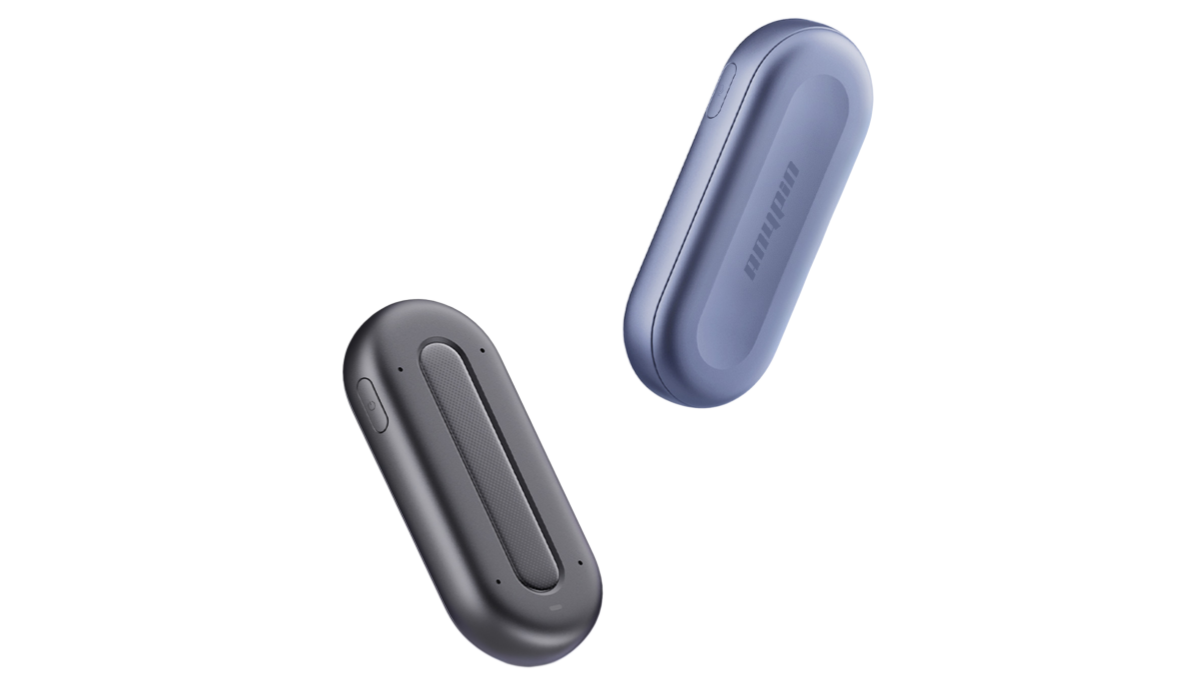
- Four built-in microphones capture clear audio from greater distances, for every conversation, not just online conferencing, in-person meetings, phone calls, and even conference keynotes.
- Up to 20 hours of continuous recording with ANYPIN.Works independently without draining your phone's battery or storage.
- Create your own custom summary template or pick from professional summary templates tailored precisely to your professional role or industry.
Q2: Can I use ANYPIN without a membership?
Yes. Once you pair the device with the ANYPIN app, a Free plan is automatically activated, giving you 380 free transcription minutes per month and basic templates for daily use.
If you need higher quotas or advanced templates and features, you can upgrade to Pro/Ultimate or purchase transcription packs.
Q3: How do I transfer recording files?
Open the app, connect to ANYPIN. Once the device is connected to Wi-Fi, files will automatically transfer to your phone. You can also tap "Fast Upload" during the process.
Q4: Can I access my recordings on multiple devices?
Yes. As long as you log in with the same account, you can view and manage all recordings and transcripts across multiple devices.
Q5: Will data be lost if the app closes or the connection is interrupted during transfer?
No. Recordings are securely retained on the device. If a transfer is interrupted, the system will automatically resume uploading the recordings when the device reconnects, ensuring data integrity and safety.
Q6: Can it record offline?
Yes, the device can be powered on and used for recording even when offline. Uploading recordings to the cloud requires a Wi-Fi connection or a device hotspot connection with your phone. To generate text transcripts or play back recordings in the app. an internetconnection is needed.
Q7: Is my recording data secure?
Yes! Your recordings are strictly protected throughout the entire usage process. When uploaded to the cloud, data is transmitted and stored through encrypted channels. We strictly comply with international privacy regulations, GDPR and CCPA to ensure the security of your personal information and content.
Q8: In what formats can I export the transcribed text?
Transcripts can be exported in TXT, PDF, and an audio file. More export formats will be added through future app updates.
Q9: Can I export recordings directly to a computer or hard drive?
Recordings cannot be exported directly from the device’s storage. To protect your data privacy, all recordings are stored in an encrypted format on the device.
Recordings must first be uploaded to the cloud. After that, you can log in to your account in the app to send or transfer the original audio files to your computer or other storage devices.
Q10: Is ANYPIN compatible with iOS and Android devices?
Yes. Simply download the ANYPIN app from the App Store or Google Play to get started.



